What if something happened to you and nobody knew?
Dead Man's Switch is a personal safety check-in system for people who live alone, solo travellers, outdoor adventurers, remote workers, and anyone whose absence might go unnoticed. Check in on your schedule — if you go silent, your emergency contacts are automatically notified.
Request an invitation
Dead Man's Switch is currently in private beta. Enter your email below and I'll send you an invitation personally. This is a one-person project — spots are limited, but I'll get back to everyone.
See it in action
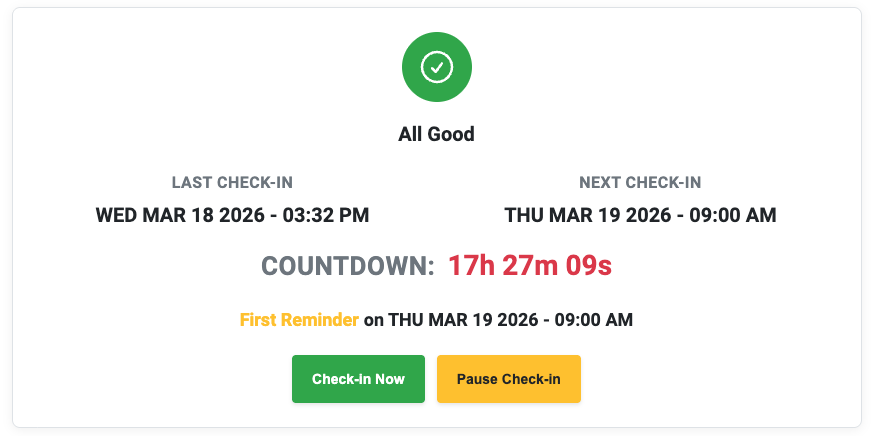
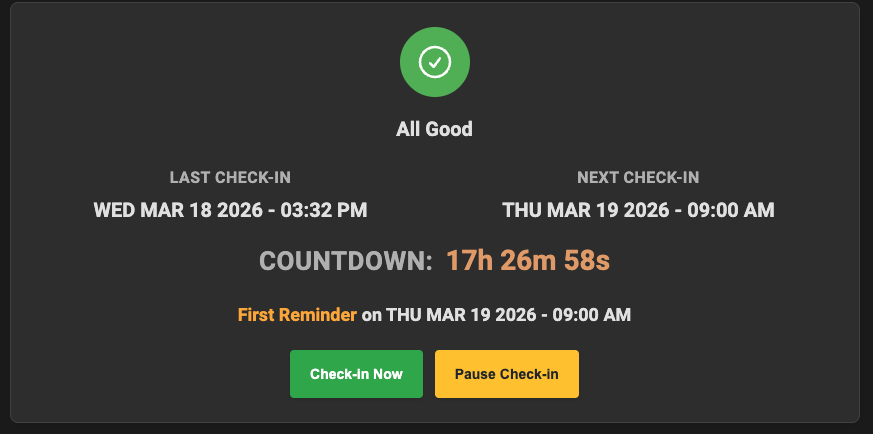
Checking In
One tap on the green button confirms you're safe and the countdown timer starts.
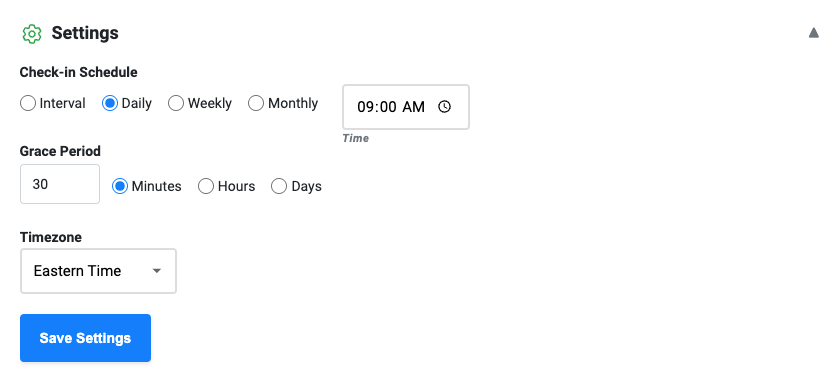
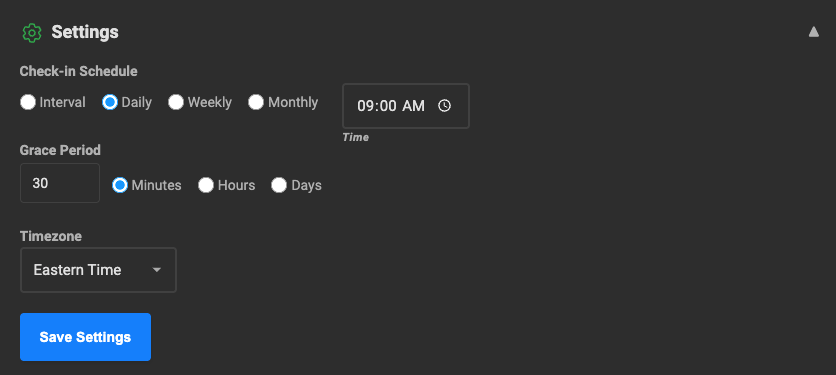
Set your schedule. We recommend daily to get started.
If you miss a check-in, you'll be reminded to check in at 15 minute intervals. It's like the snooze button on an alarm clock. You can also add a configurable 'grace' period if you think you might need more time to check-in.
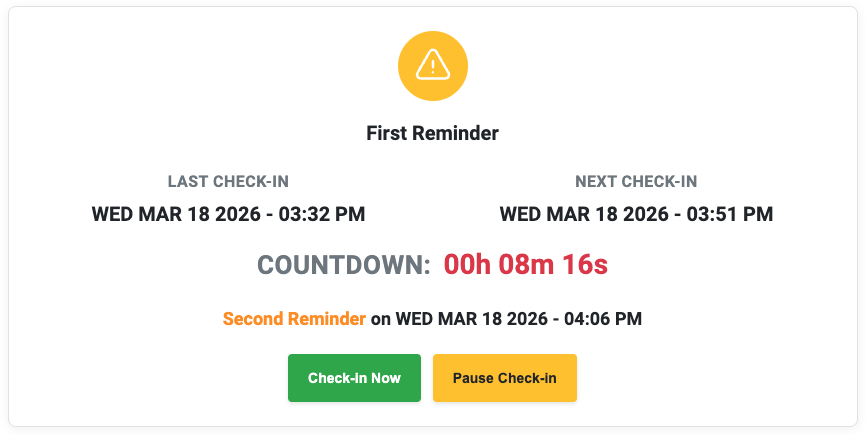
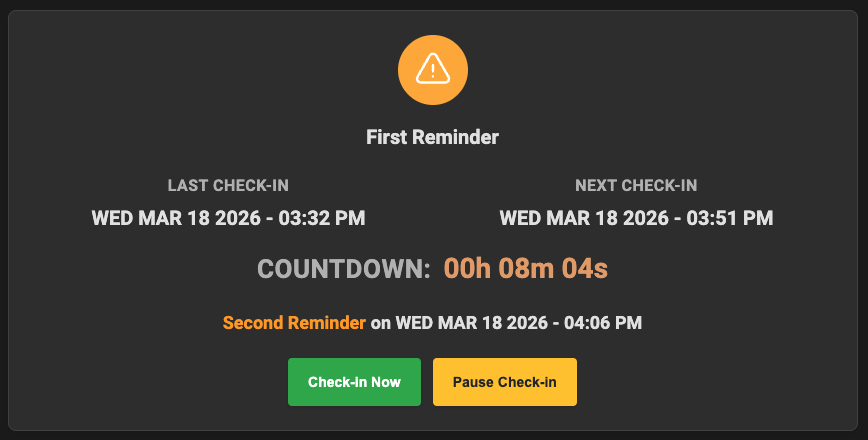
This is what you'll see if you miss your first deadline.
The countdown tells you how much time you have left before the next reminder is sent.
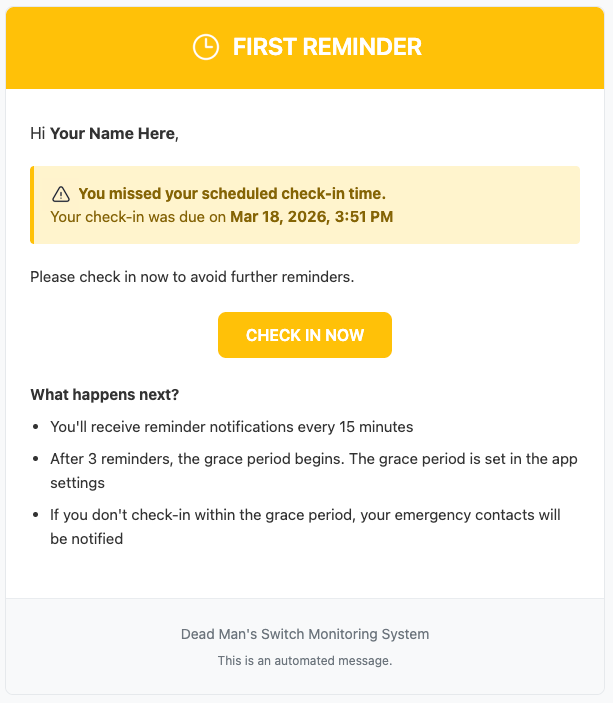
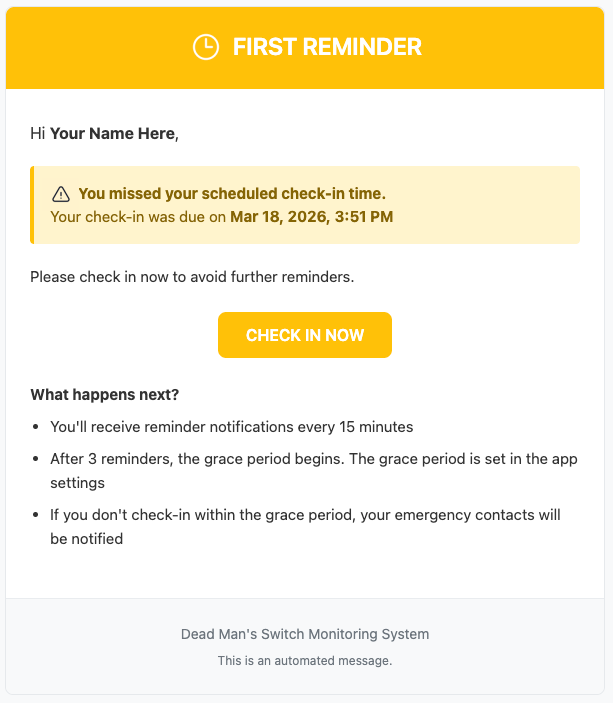
The first of 3 reminders — sent before the grace period starts.
Your emergency contacts will be notified by email after the grace period expires.
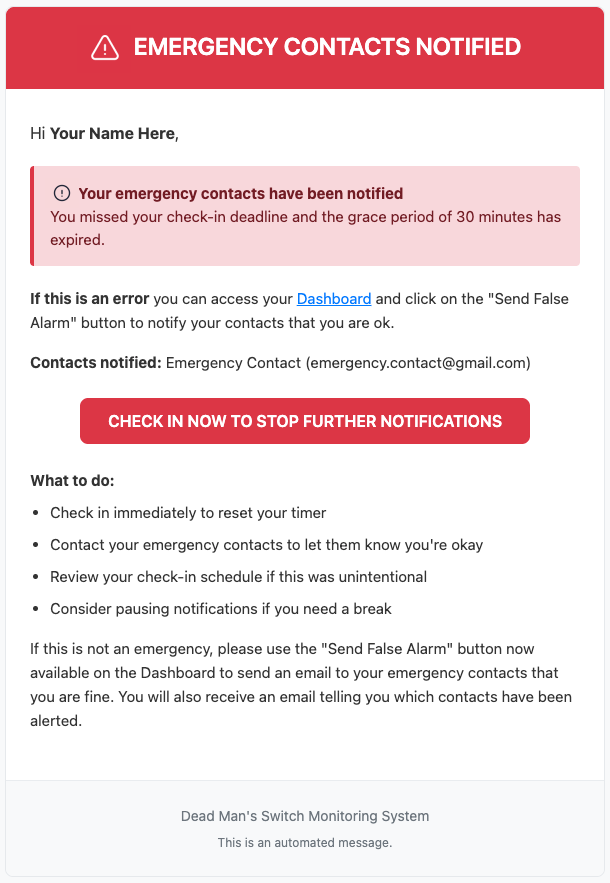
This is the email that you will receive after the grace period expires.
If you get this email, you should go to the dashboard and tap the "Send False Alarm" button.
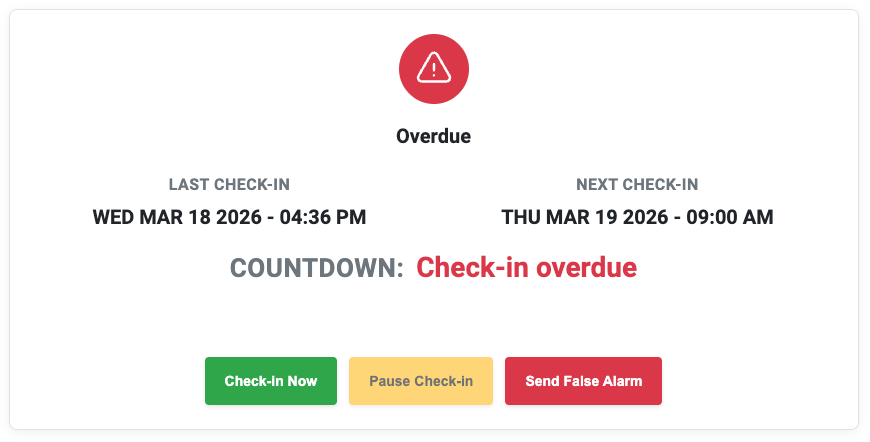
Checked in after your contacts were notified? Trigger a false alarm.
One tap sends an all-clear to everyone — so no one worries unnecessarily.
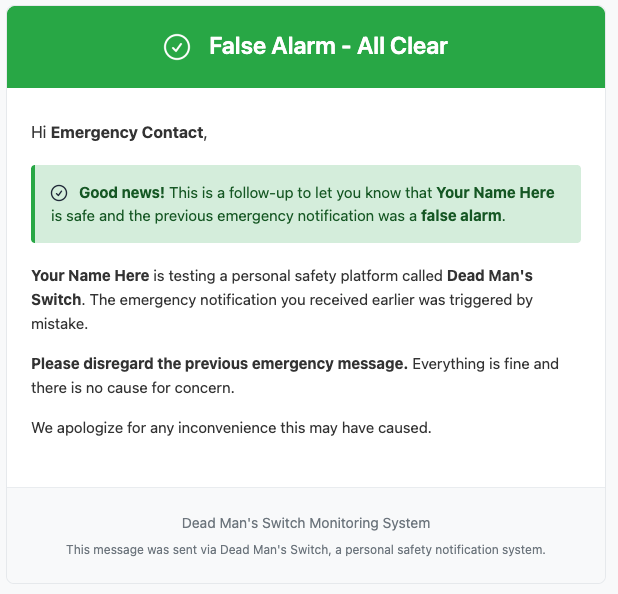
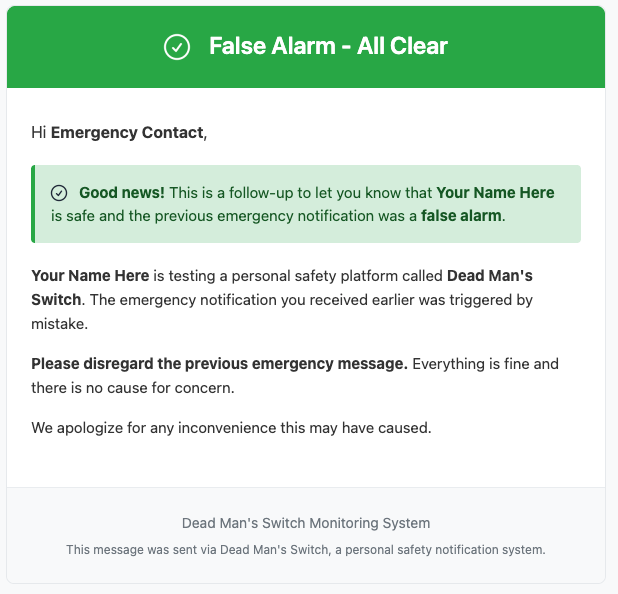
Your emergency contacts get the all-clear
Your contacts are automatically notified — no awkward calls needed.
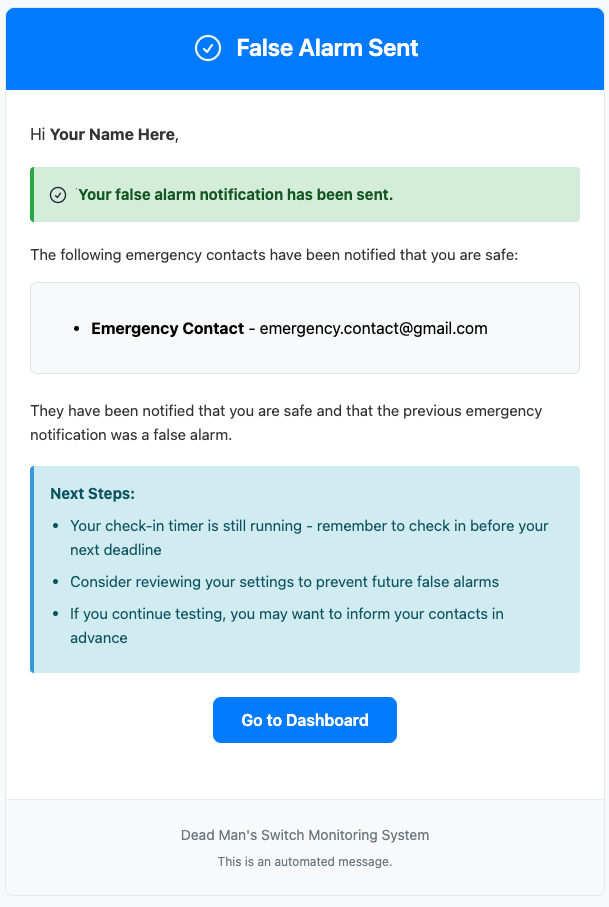
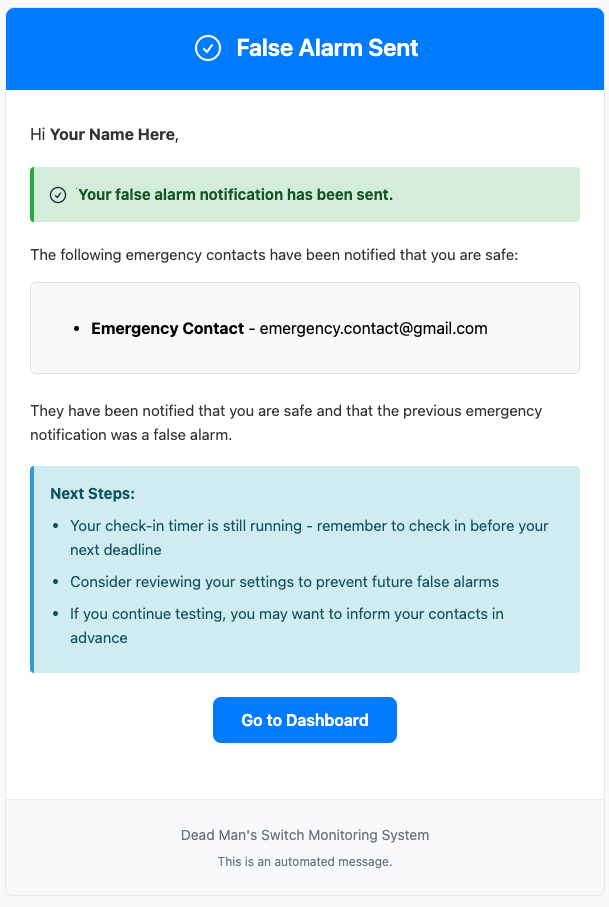
You also get a confirmation that a false alarm was sent.
Includes a list of which contacts were notified — so you know it worked.